




FlashVault™ — Free Up Your iPhone in Seconds Without Deleting a Single Photo
 High Quality
 Free US Shipping
 Easy 30 day Returns
 Almost out of stock
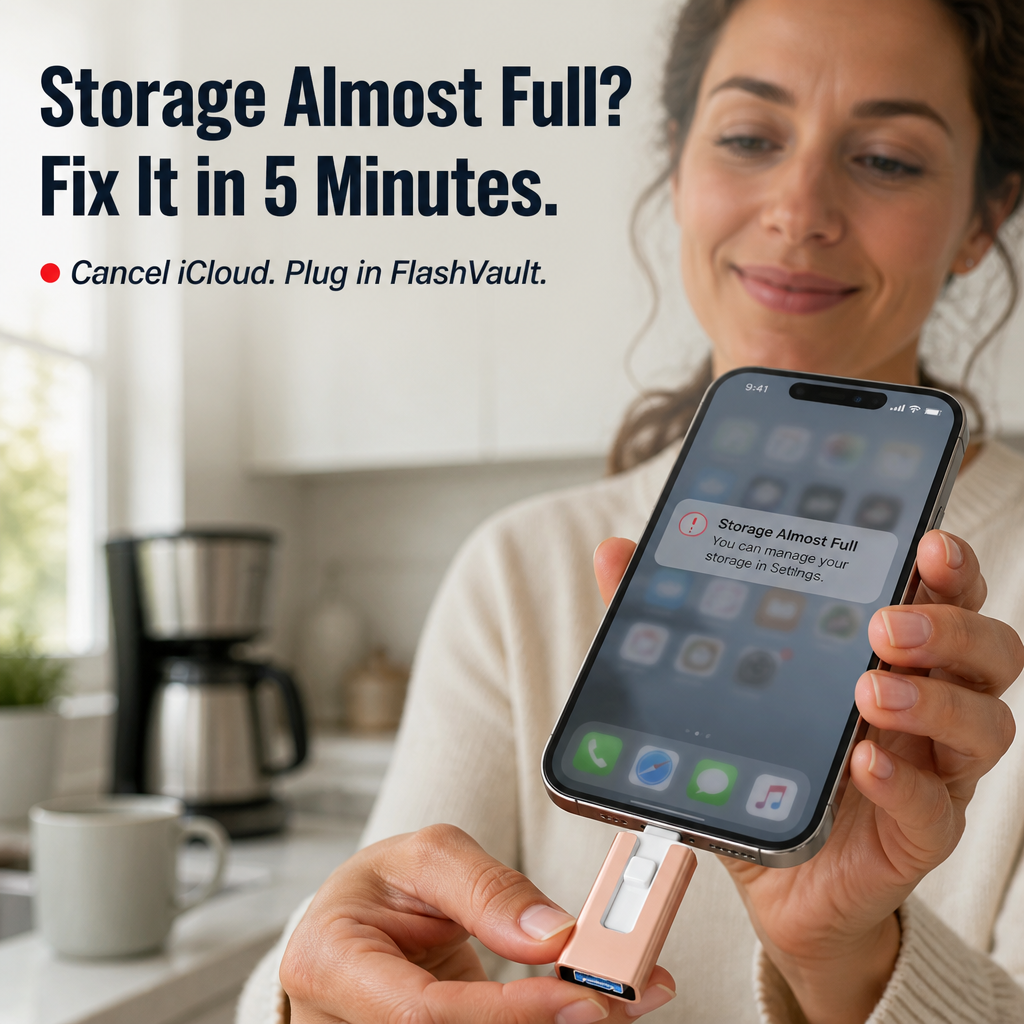
Free up your iPhone in seconds — without deleting a single photo of the kids.
If your phone screams "Storage Almost Full" every time you try to record a soccer game, and iCloud has been quietly billing you every month for years, FlashVault™ is your way out. Plug it into your iPhone, iPad, Android, or laptop and pull thousands of photos and hours of HD video off your phone in minutes — no Wi-Fi, no apps to set up, no monthly fee ever again.

Stop renting your own memories from iCloud every single month.
Every month iCloud charges you. Every week your phone begs you to delete something. And the second you lose signal at the lake or on a flight, your cloud "backup" is useless. You're paying rent on memories that should already be yours — and one cancelled card or forgotten password away from losing them.
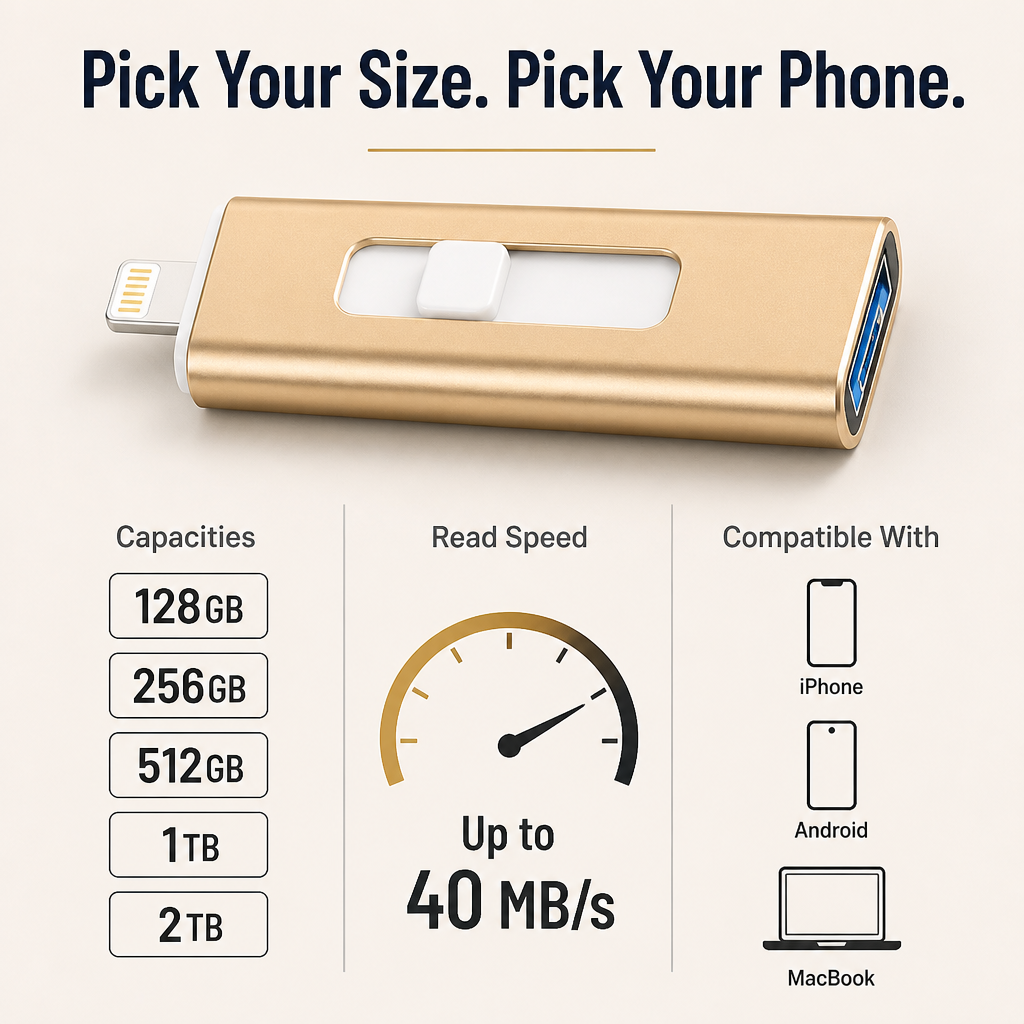
➤ Back up years of camera roll in minutes, not overnight: USB 3.0 read speeds up to 40 MB/s mean four years of photos and videos move off your phone in one sitting — not "let me clear iCloud first" and not the next morning.
➤ Works with the iPhone, Android, and laptop you already own: A 3-in-1 head with Lightning, USB-C, and USB 3.0 plugs straight into iPhones (older Lightning and newer USB-C models), Samsung, Pixel, iPad, MacBook, and Windows — no dongles, no adapters, no app store hunt.
➤ Your photos stay yours — offline, password-locked: Files live physically on the stick, lockable with a password or fingerprint inside the free FlashDrive app. No cloud servers, no leaks, no "your photos were accessed from a new device" emails at 2 a.m.

How one small stick replaces iCloud, cables, and three different dongles.
Most "phone backup" sticks fit one type of port. FlashVault™ has all three — Lightning, USB-C, and USB 3.0 (Type-A) — built into the same aluminum body. Plug it into your iPhone, open the free FlashDrive app, tap "Backup," and the stick pulls your photos and videos across at USB 3.0 speed. Slide the other connector out, plug it into your laptop, and every file is right there with its original date intact.
No Wi-Fi. No iCloud login. No "Upload progress 12%" screen running for the next four hours.

Why busy parents and creators keep coming back to FlashVault™.
Most buyers tell us the same story: they were about to renew another year of iCloud when they saw the ad. They plugged FlashVault™ in, backed up four or five years of camera roll in under an hour, and cancelled the subscription that night. As one customer put it: "I finally got the 'Storage Almost Full' notification to go away — and I didn't have to delete a single photo of my kids." — Jenna R.
 Pick a size, plug it in, never delete a memory again.
✓ Five capacities, from 128 GB up to 2 TB: Enough room for a few years of camera roll all the way up to an entire family library of photos, videos, and documents. Pick what fits the phone you actually have.
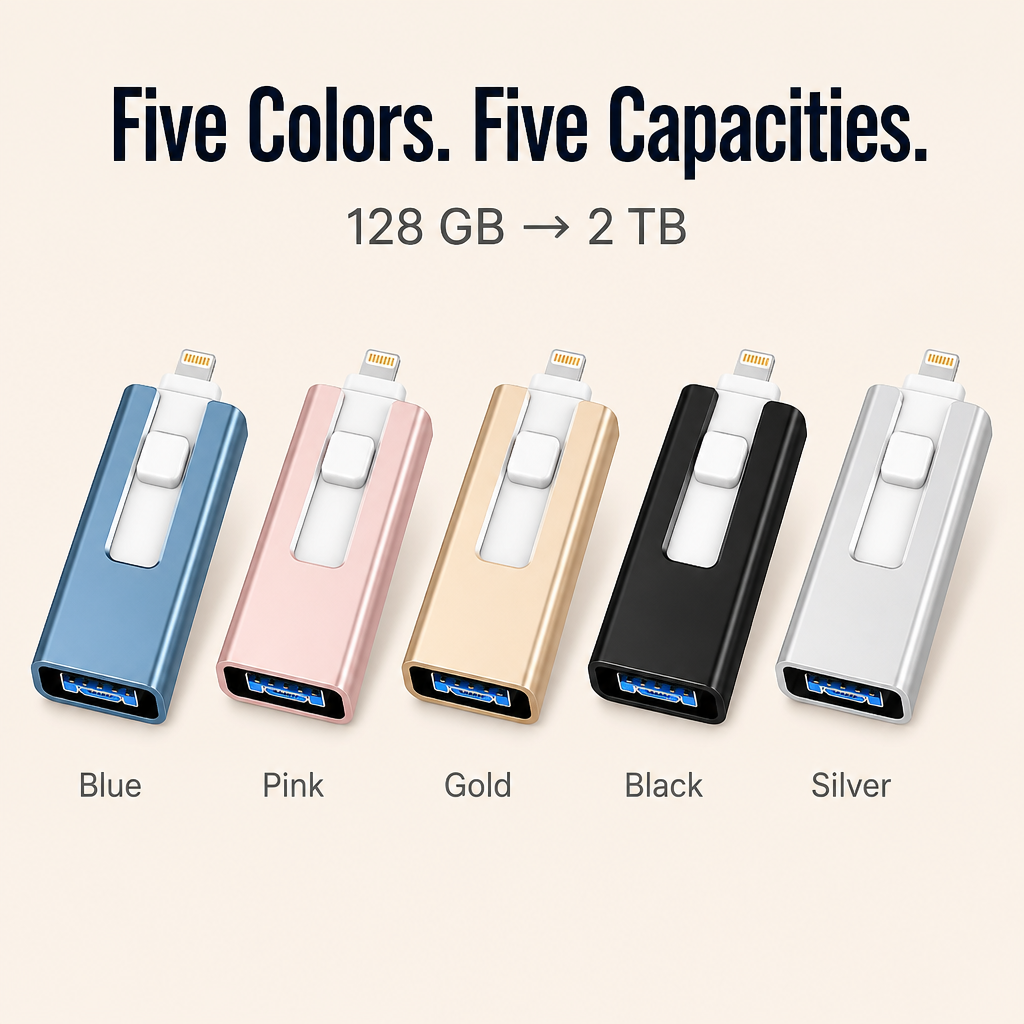
✓ Pocket-sized aluminum body in five colors: Blue, Pink, Gold, Black, or Silver — small enough to live on a keychain, solid enough to survive being thrown in a diaper bag or backpack for two years.
✓ Plug it in, hit Backup, done: No setup wizard, no account to make, no waiting for an upload to finish. Your kid will probably figure it out before you do.
Back up your entire phone in 3 steps.
Step 1: Slide out the connector that matches your phone — Lightning for older iPhones, USB-C for iPhone 15 / 16 and Android — and plug it in.
Step 2: Open the free FlashDrive app, tap "Backup Photos & Videos," and let it pull your camera roll across. Original date and metadata stay intact.
Step 3: Unplug, slide the other connector out, and plug straight into your laptop's USB port to view, share, or archive on a hard drive.

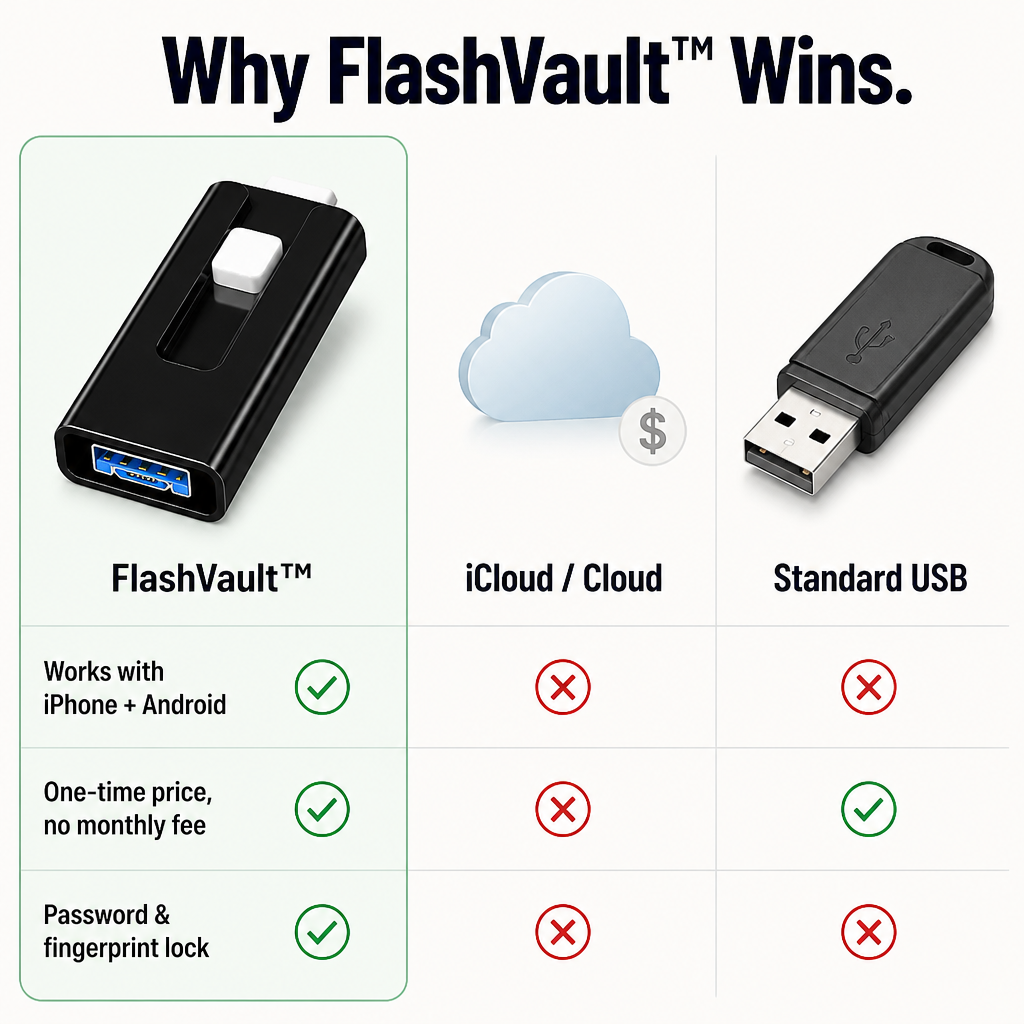
| FlashVault™ | iCloud / Cloud Storage | Standard USB Drive |
|---|---|---|
| Plugs into iPhone, Android, and laptop | ❌ | ❌ |
| Works offline — no Wi-Fi needed | ❌ | ✅ |
| One-time price — no monthly fees | ❌ | ✅ |
| Password & fingerprint lock built in | ❌ | ❌ |
The specs, in plain English.
- Interface: 3-in-1 head — Lightning + USB-C + USB 3.0 (Type-A)
- Read / write speed: Up to 40 MB/s read, 20 MB/s write on USB 3.0
- Capacity options: 128 GB, 256 GB, 512 GB, 1 TB, 2 TB
- Colors: Blue, Pink, Gold, Black, Silver
- Body: Lightweight aluminum, pocket-sized for keychain or wallet
- Compatibility: iPhone (Lightning + USB-C models), iPad, Android, MacBook, Windows PC
The questions every buyer asks before plugging in.
Will this work with my iPhone 15 or 16 (USB-C)?
Yes. The 3-in-1 head has both a Lightning connector for older iPhones and a USB-C connector for iPhone 15, 16, and every Android phone from the last decade. Slide out the one that fits.
Do I need internet or Wi-Fi for backups?
No. Backups run entirely device-to-stick. You can be on a plane, at the lake, or in airplane mode — it still works.
Will my photos keep their original dates and order?
Yes. Each photo and video keeps its original date and metadata, so the timeline stays correct when you view files later on your laptop.
How much can I actually fit?
Rough guide: 256 GB holds roughly four years of an average phone's camera roll. The 1 TB and 2 TB models can carry an entire family's photo and video library, plus documents and music.
Can I lock my files so nobody else can see them?
Yes. The free FlashDrive app lets you password- or fingerprint-lock individual files, so even if you hand your phone to a friend, your private folder stays private.

Stop paying for storage. Plug in, back up, move on.
If FlashVault™ doesn't get every photo and video off your phone — with their original dates intact — send it back within 30 days for a full refund. No restocking fees, no hoops. Pick your capacity, pick your color, and finally own the memories you've been renting from the cloud.
What our customers have to say:
Arvilaro Guarantees


Rated 4.6 / 5 based on 1289 reviews. Showing our 4 and 5-star reviews.